
AIfinitive Employee Monitoring Software
Understand team activity, track working hours and manage projects with AI-powered workforce insights.
GET A QUOTE VIEW PORTFOLIOProjects Completed
Happy Clients
Years Experience
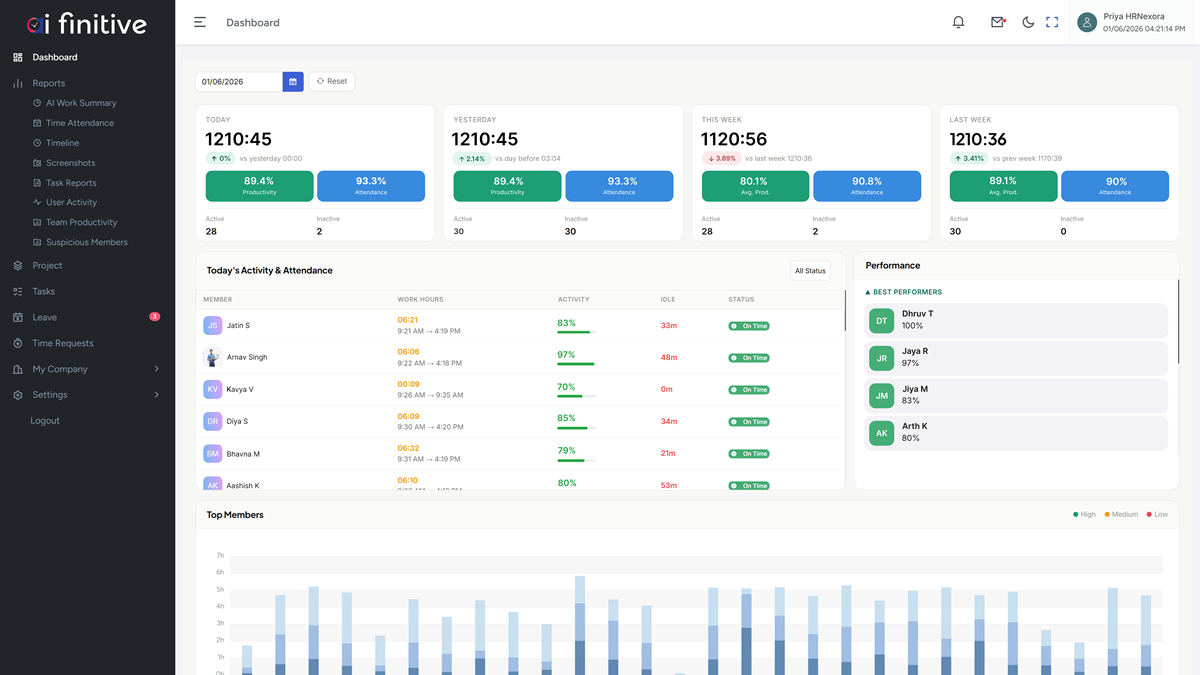
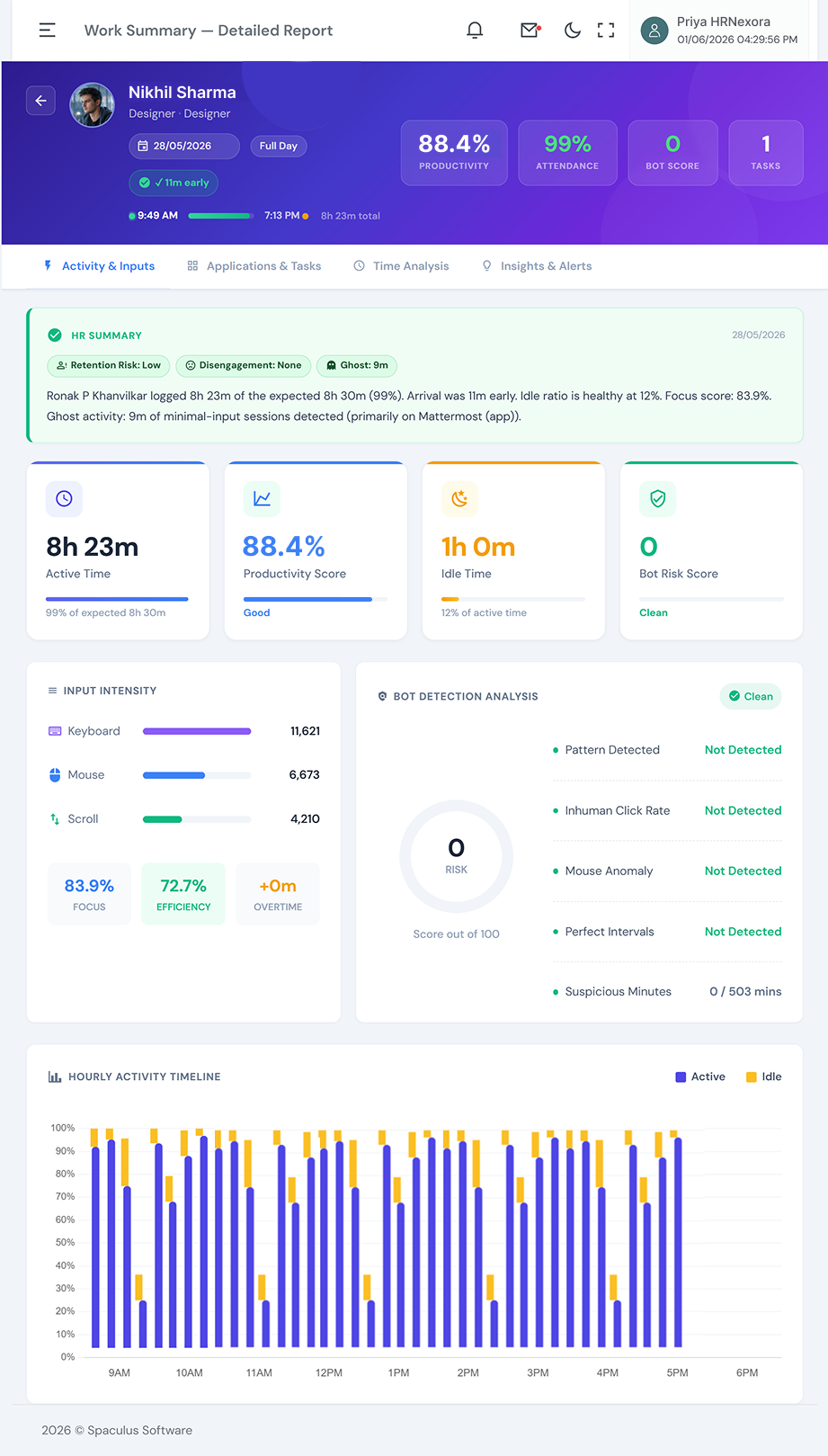
AIfinitive is AI-powered employee monitoring and workforce management software for office, remote and hybrid teams. It brings work activity, attendance, project hours, task progress and employee records into one platform. AI work summaries help managers review daily activity without checking every screenshot or chasing individual updates. Teams can identify delayed tasks, review billable hours and understand workload patterns using connected time and activity records. Role-based access and configurable monitoring settings help control who sees employee information and what activity is captured. Business owners, HR teams and project leads gain clearer information for planning work, coaching employees and reviewing team performance.
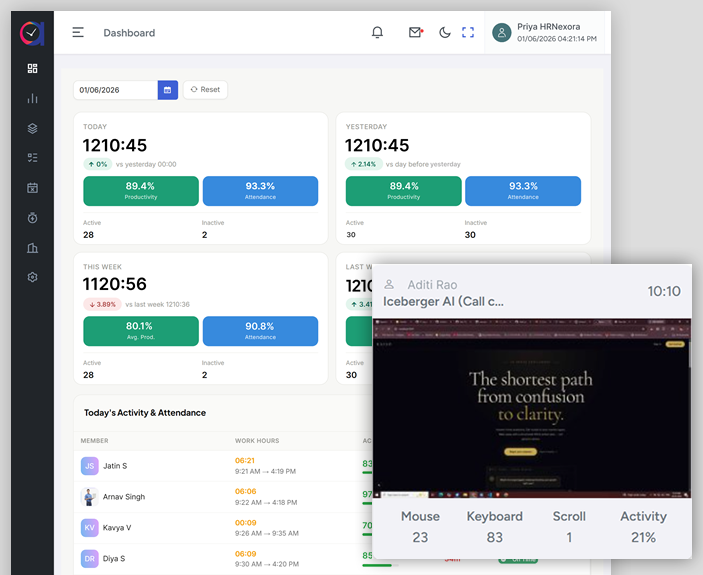
Work Summaries and Insights. Turn time and activity records into readable work summaries. Highlight trends and exceptions so managers can focus their reviews on work that needs attention.
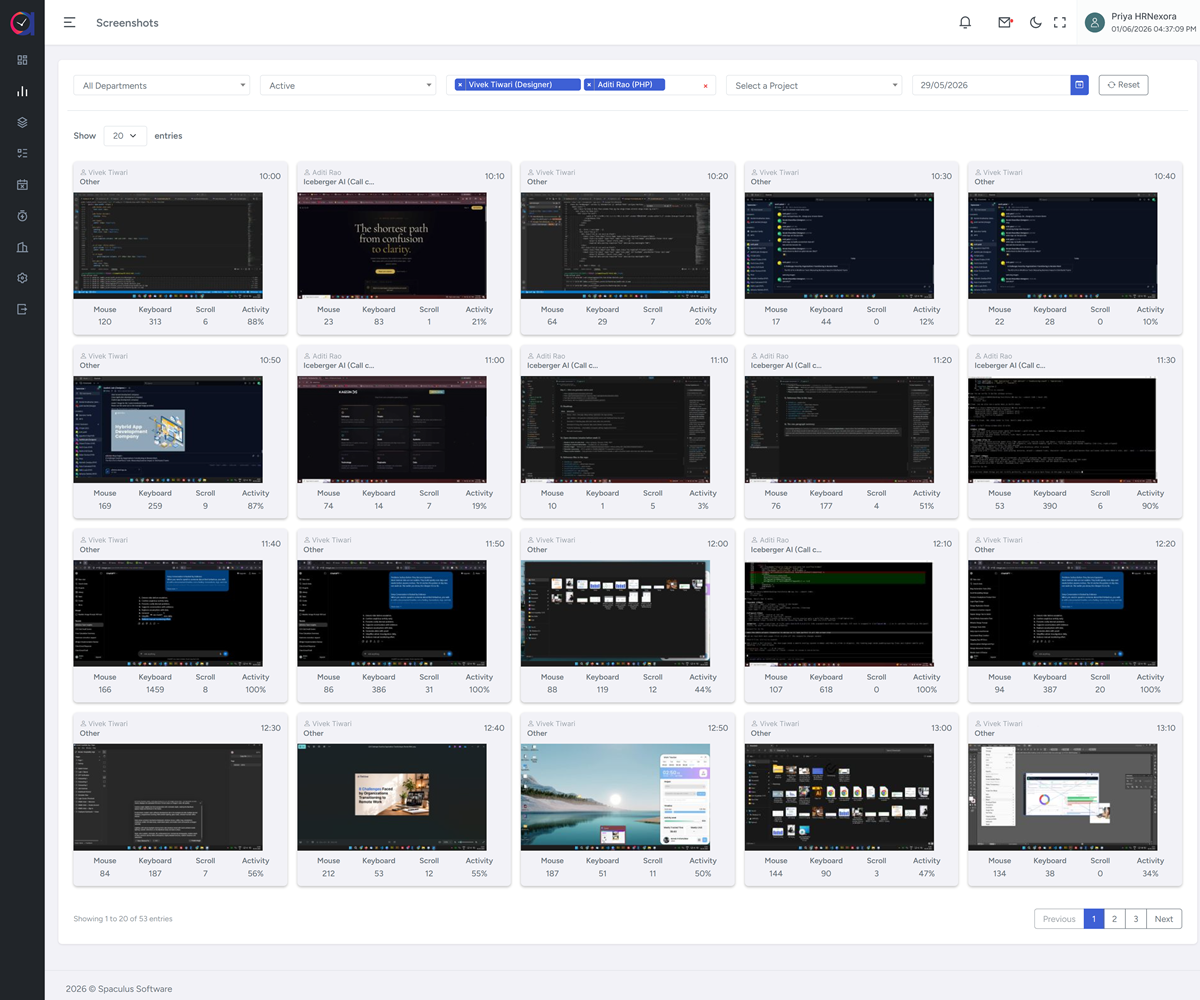
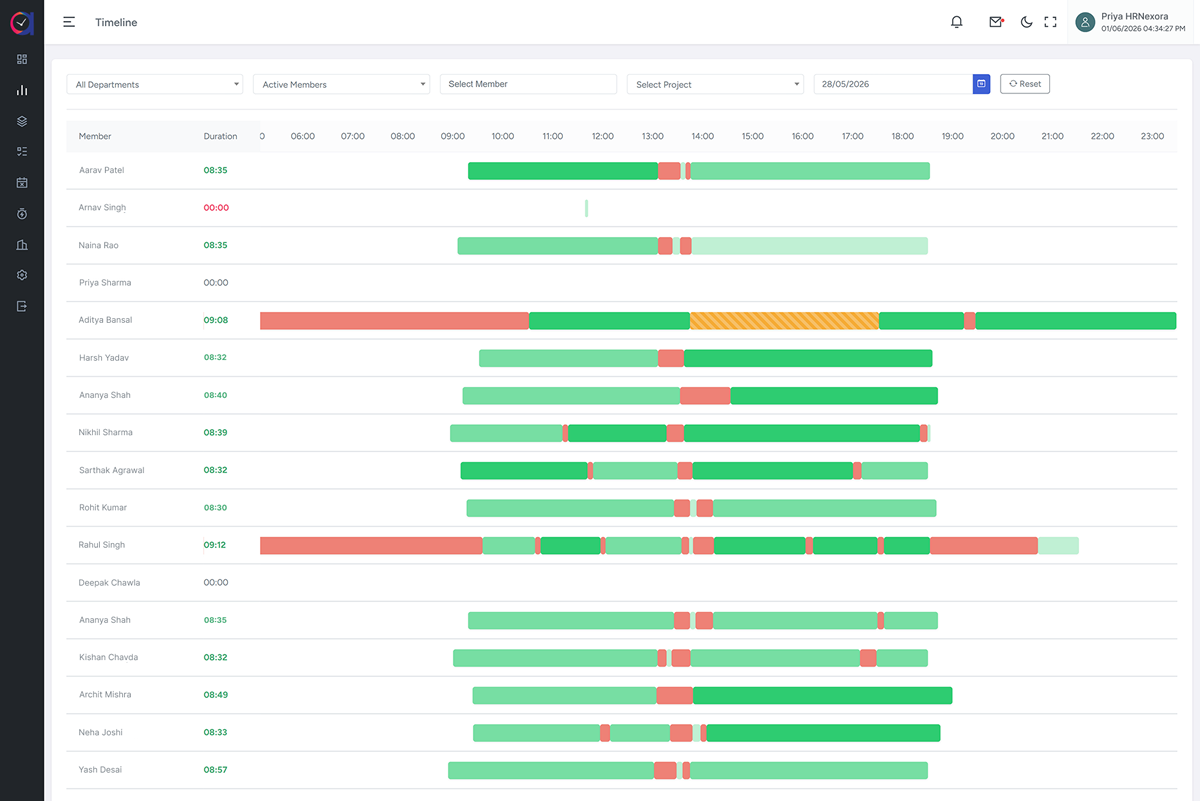
Activity Tracking and Screenshots. Track application and website usage, active time and idle periods. Review configurable screenshots and an activity timeline to understand how working hours are spent.
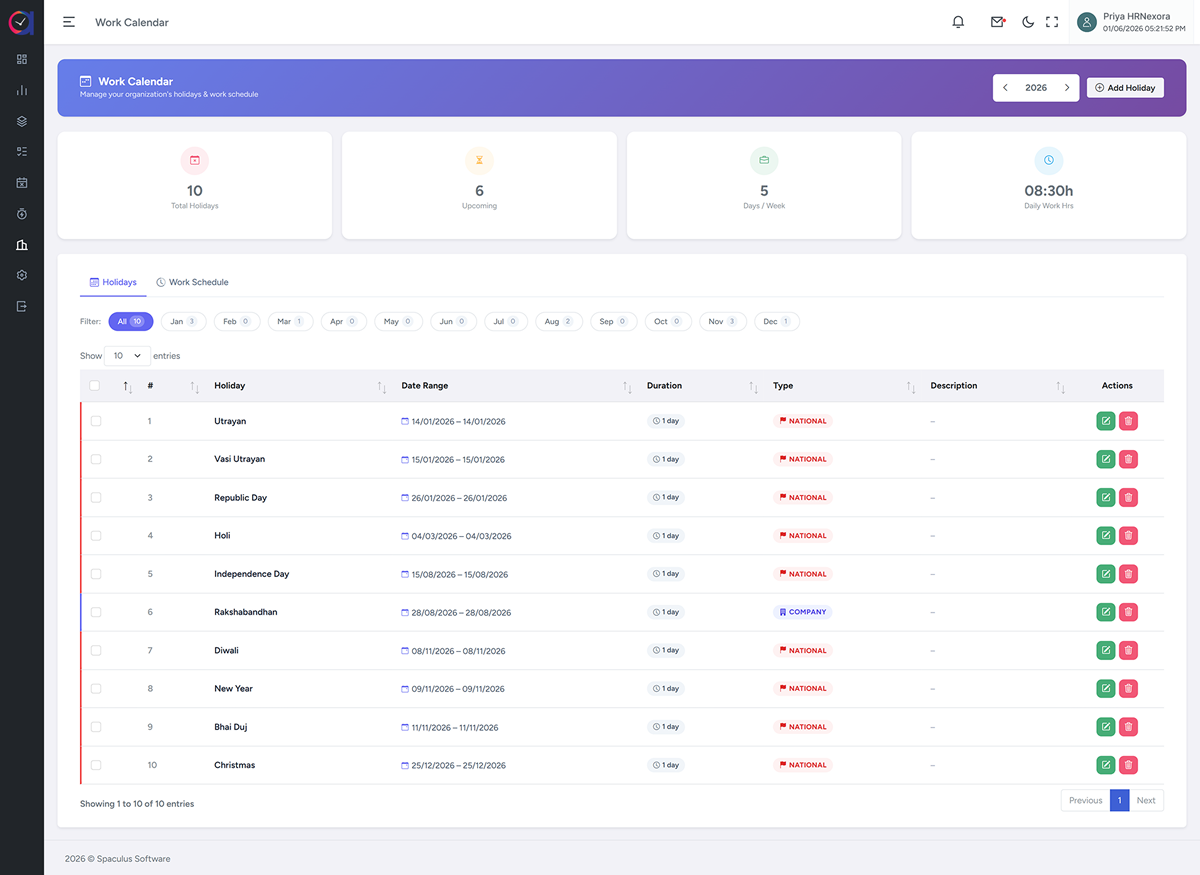
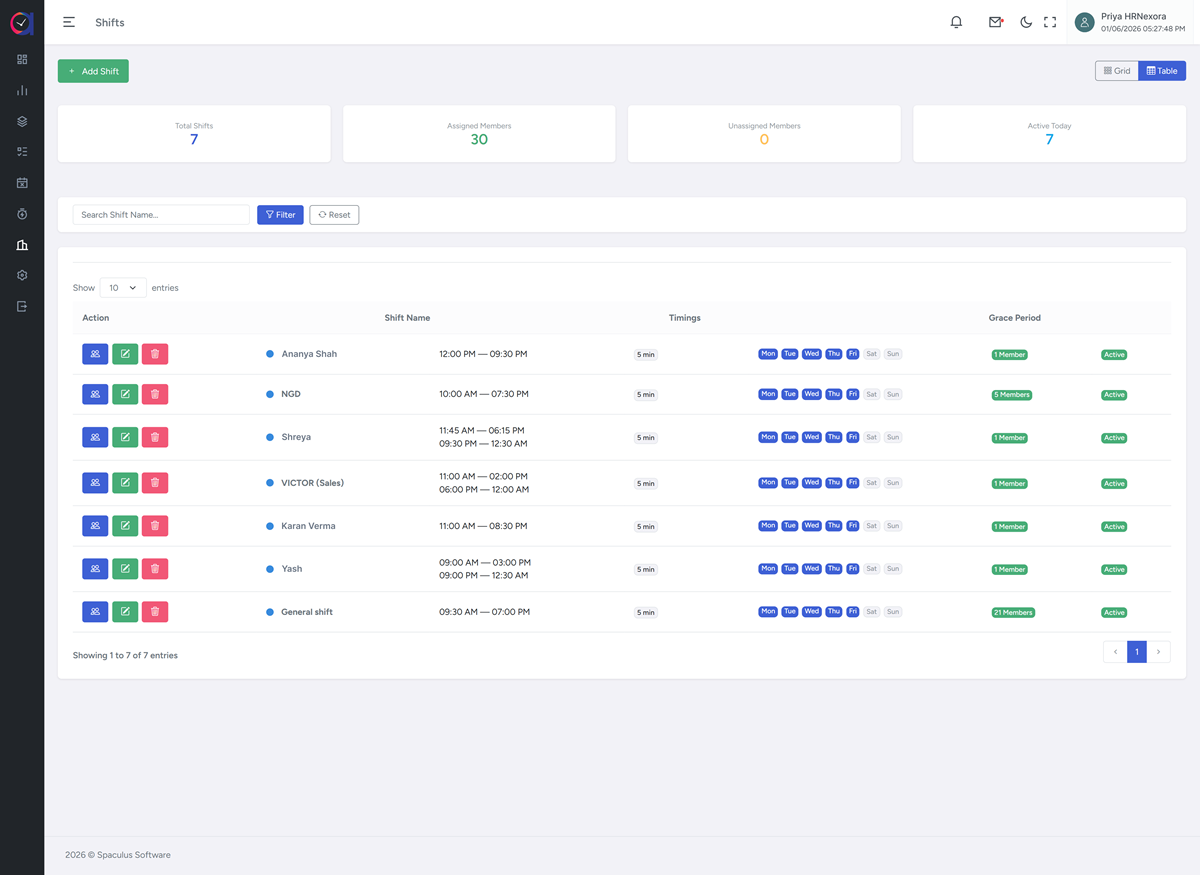
Time Tracking and Attendance. Record project hours, attendance, breaks and shift activity. Review late starts, early departures and timesheets to support attendance management and billable-hour reporting.
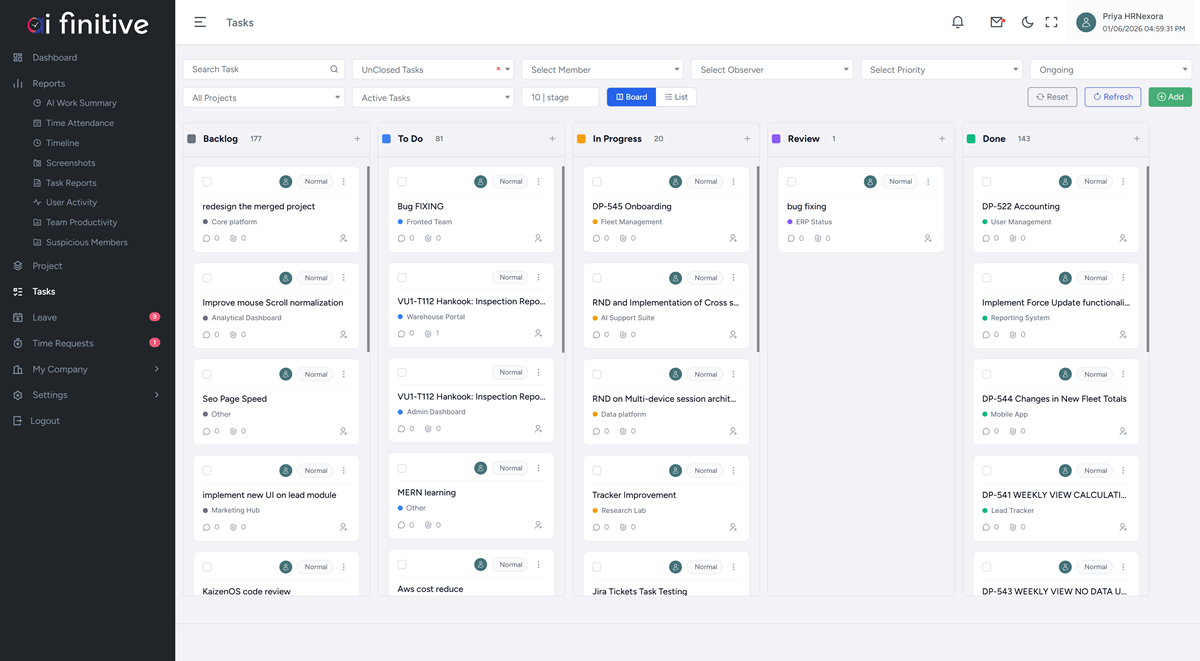
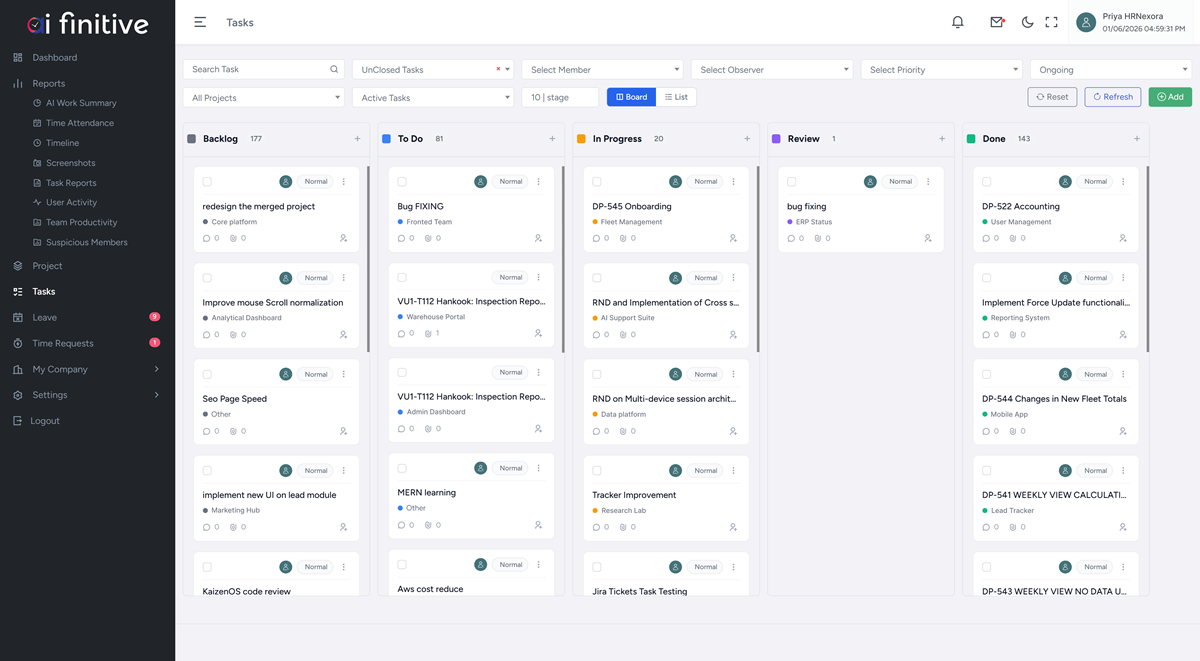
Project and Task Management. Organize assignments, priorities and deadlines on Kanban boards. Connect tasks with recorded time and activity, and identify stalled work for the project lead to review.
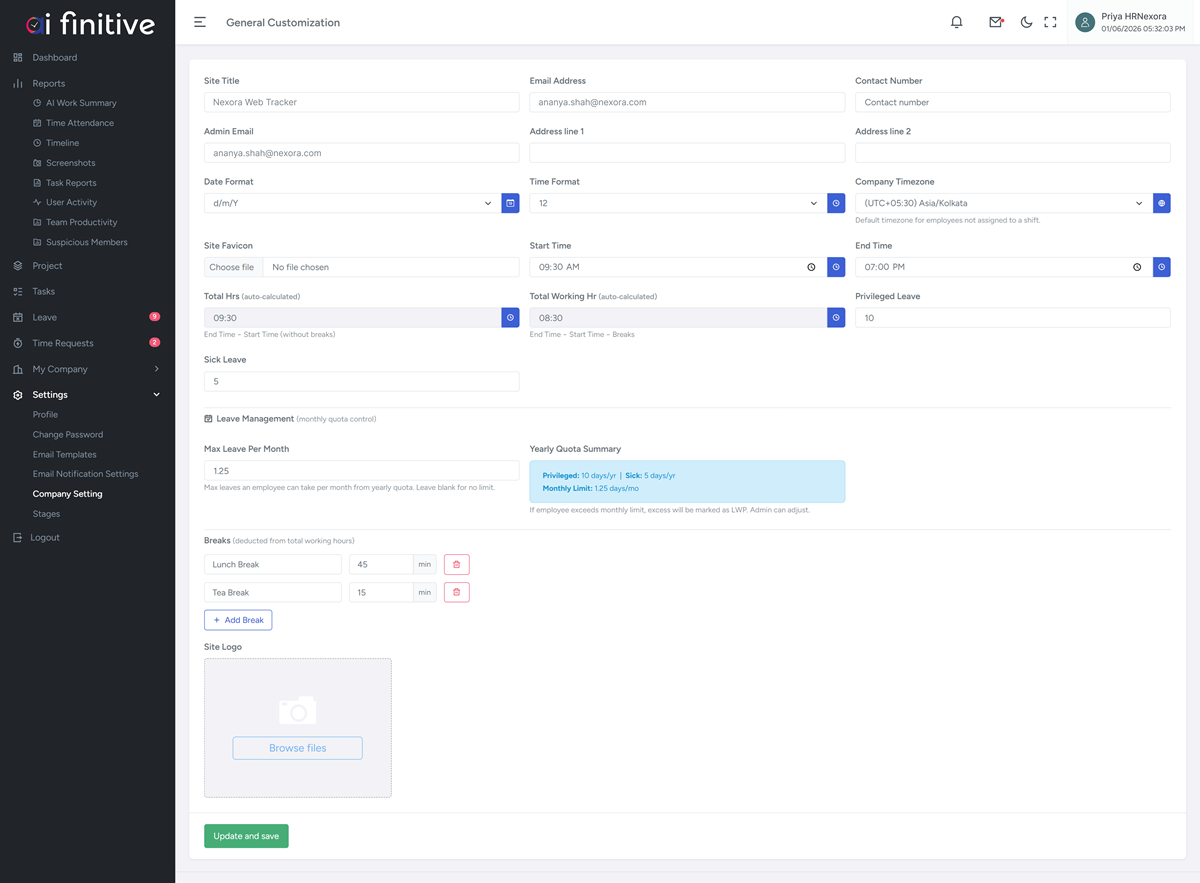
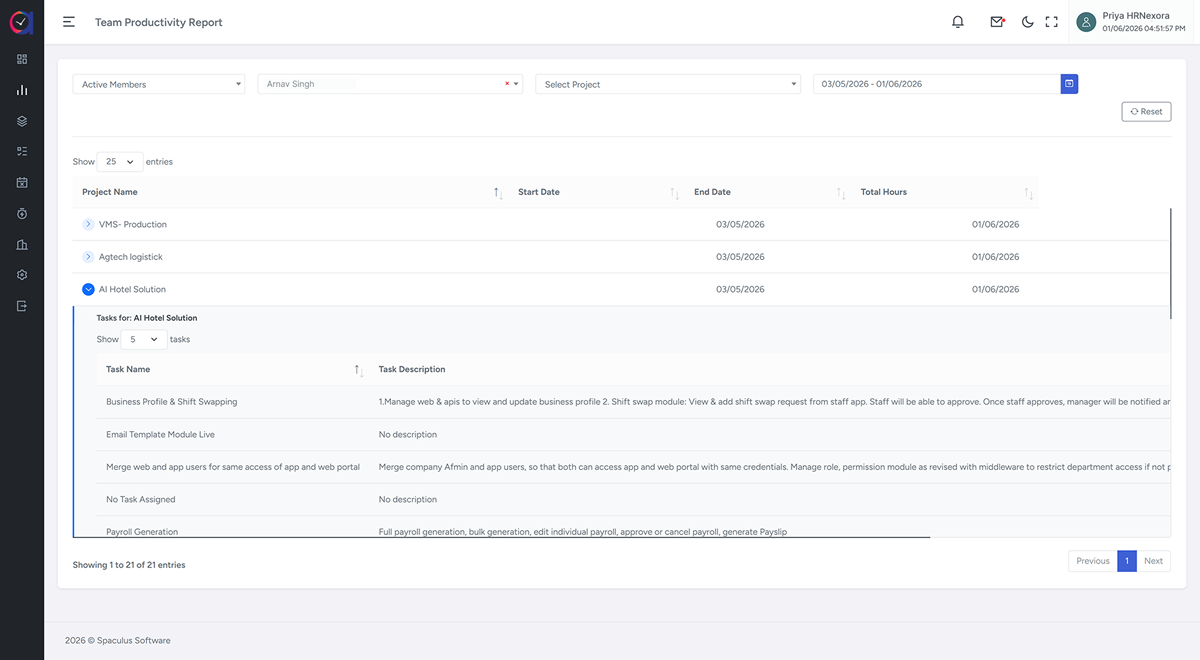
Team Reports and Workforce Controls. Compare employee and department trends, maintain employee documents and manage workspace permissions. Review unusual activity alerts with supporting records before deciding what action is needed.

Users have to login in the app and click a photo of hazardous situation found in premises along with a short description of the situation with the exact location.
Users have to select appropriate department to help in identifying and resolving issue quickly. User can also select severity of the issue.
Once the issue is raised, it would go to admin (HOD) of particular department. HOD will tag severity of issue and assign task to respective person. HOD and admin will also select the due date to resolve the issue. If the issue is marked as “urgent”, it should be resolved as soon as possible.
If the due date has passed, then the system will send email notification to all the people involved and stake holders until it is resolved.
Safety department will visit hazardous site, complete the task and mark it as complete, take a picture and upload it on app.
Complete task notification will be marked by HOD (Admin) and he can tag it as task completed.
This application will have report system for task generated, completed, pending, status by week, month and date.
HTML, CSS, Javascript
Mysql
Laravel
Flutter
Let’s have a discussion and find out what we can do for your business to lead on the path to success!